
Share the detail you worked on
Lossless playback is available for WAV and FLAC files with Lossless enabled in a compatible web browser.
The sound you worked on matters when a collaborator presses play. Share your mixes and masters in lossless quality, manage revisions and keep the final handoff in reach.
Lossless playback is available for WAV and FLAC files with Lossless enabled in a compatible web browser.
Save bounces to your synced folder, share with the access settings you choose, and keep notes with the track. Return to an earlier version when you need it.
Capture contributions while the session is fresh. Carry credits and agreed shares into the paperwork for the final handoff.
“It is the ultimate hub for pre-production, all the way from A to Z.”
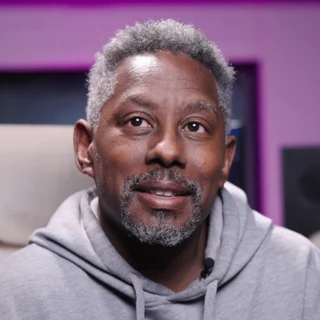 YonniGRAMMY-winning mixing and mastering engineerMissy Elliott, Justin Bieber, and Ariana GrandeMore customer stories
No. Save audio exports from your existing DAW to the folder watched by desktop sync on Mac or Windows.
Lossless playback is available for WAV and FLAC files with Lossless enabled in a compatible web browser. Your original file stays intact. You decide whether listeners can download it.
Yes. Share with downloads off, then enable them when payment is complete or you are ready to deliver. You control that setting; Flowthru does not collect or verify the payment. Stream-only sharing requires Essential Unlimited or higher.
Yes. Start free with 20 tracks and 1 GB, then choose a paid plan when you need more storage or release tools.
No. A free Essential account can accept unlimited project invitations. Shared files use the owner’s storage, not the collaborator’s. Choose the owner’s plan for the sharing controls and release tools the project needs.
Start with 20 tracks, 1 GB and credit collection. Free to get going.